









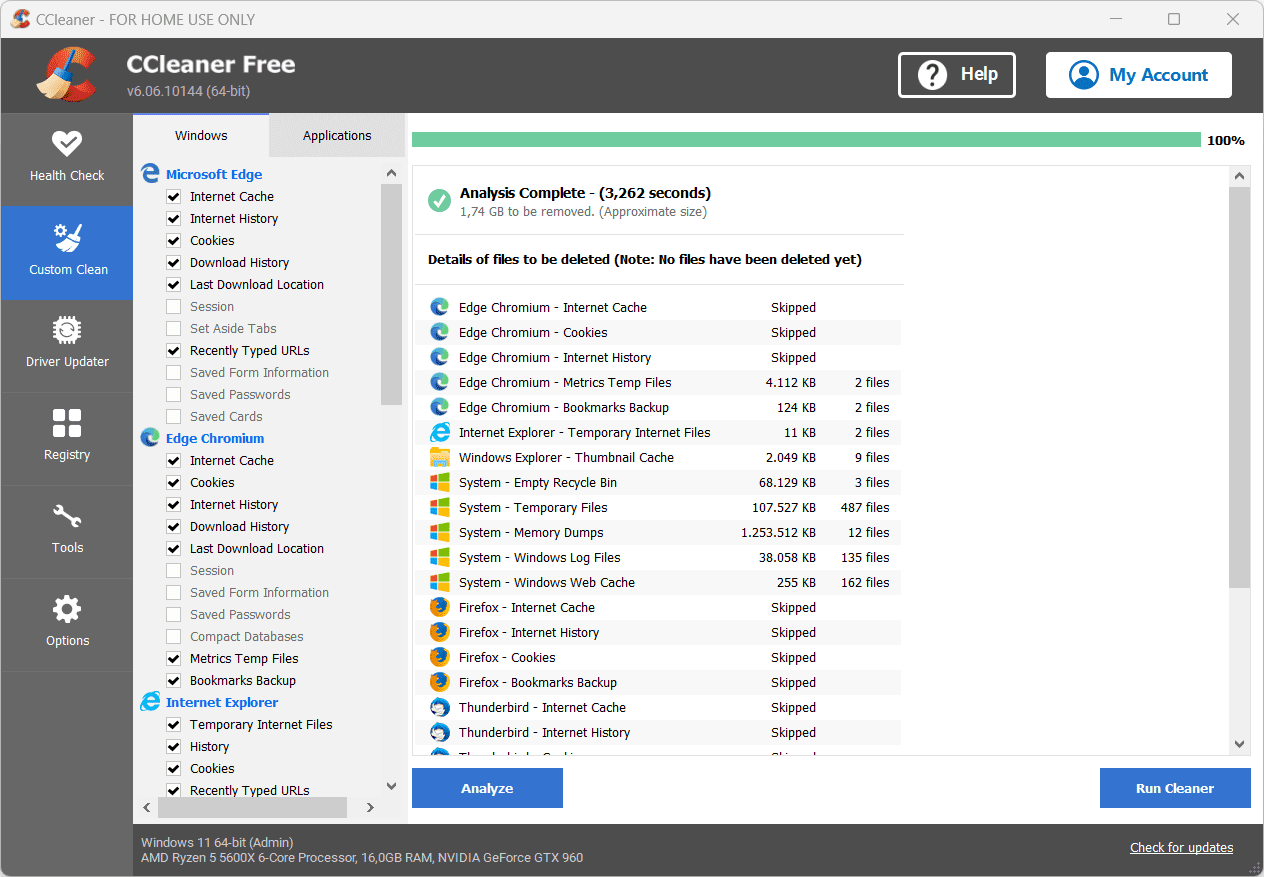
 Piriform has released version 6.17 of CCleaner. This program can clean different parts of Windows. This includes Windows files and temporary Internet files, as well as unnecessary files from a large number of other programs, including Windows Media Player, Google Toolbar, Microsoft Office, Photoshop, WinRAR, and so on. In addition, the number of programs that CCleaner can clean of clutter can easily be increased by using CCEnhancer.
In addition to cleaning, CCleaner can also fix registry errors and shortcuts, customize the list of programs that start with Windows, and manage cookies. From this release onwards, the general health of the computer can also be tested. In addition to the free version, there is also a professional version, which provides, among other things, the automatic update function. The following changes and improvements have been made in this version:
Eliminate the hassle of computer maintenance
- We’ve improved junk cleaning for over a dozen apps including Adobe Creative Cloud, Garmin Express, iTop Screen Recorder, μTorrent, OpenVPN Connect, SyncToy, TeamViewer, Terabox, VideoPad Video Editor, or VMware Workstation, or Youcam.
- The new Driver Updater engine is more stable and better performing, and its database now includes more than 70 million driver updates.
Bug fixes and other improvements
- We resolved an issue where some customers were unable to enter the “@” symbol in the email field when activating CCleaner.
- We’ve updated the pop-up warning that appears when you try to disable Smart Cleaning, to make it clearer.
- We’ve also implemented minor improvements to the UI, stability, and security.

Cohen is a contributor at Houstonian Online, covering a variety of topics including news, politics, business, technology, sports, entertainment, and lifestyle. With a focus on clear reporting and useful information, Cohen helps readers stay informed about current affairs, emerging trends, and stories that are relevant to their daily lives.